
Leads leave their phone number but never book a call: 4 common leaks
Forms get filled but the calendar stays empty? Here are the 4 most common leaks between opt-in and booking.
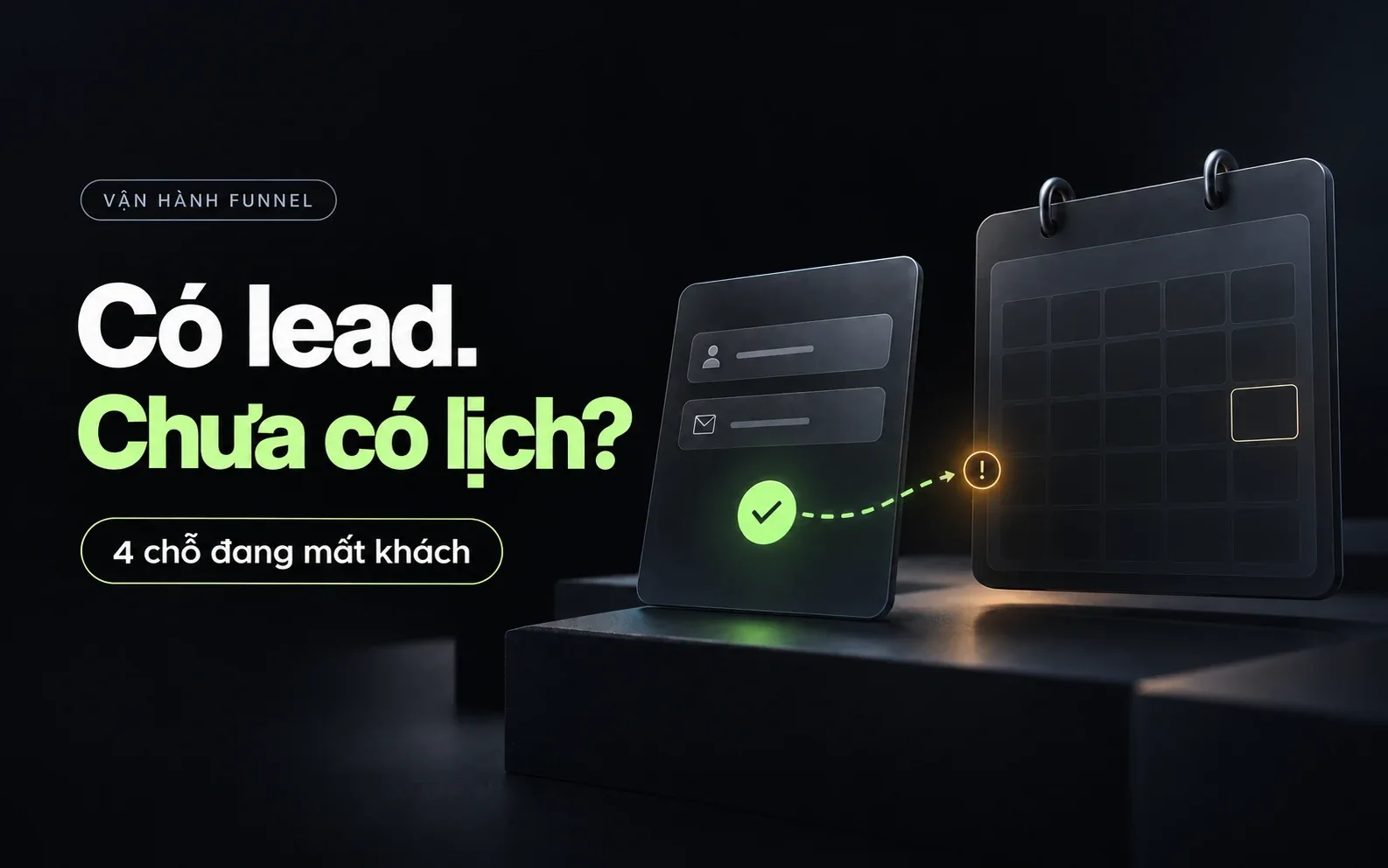
A familiar situation: ads perform fine, the opt-in form gets filled, but the booking calendar stays empty. The problem usually isn't the ad — it's the gap between leaving a phone number and actually picking a time slot.
1. The booking step is too far from the opt-in
If a lead has to wait for you to message them manually to set a time, you lose the moment they were most ready. Put the booking link (Calendly, or the built-in scheduler in Systeme.io/GoHighLevel) directly on the thank-you page so they can pick a slot in seconds.
2. No reason to book "right now"
A lead opts in out of curiosity, not urgency. The thank-you page and the first email need to spell out exactly what problem the call solves, how long it takes, and why booking in the next 24–48 hours matters (e.g. limited free consulting slots).
3. A weak or missing reminder sequence
Most leads won't book the first time they see the link. Send at least 2–3 reminder emails in the first week, each addressing one specific worry (fear of a sales pitch, fear of wasting time, not knowing what to prepare) instead of just repeating "book now".
4. The booking page doesn't match the ad's promise
If the ad talked about one specific problem but the booking page is generic (just an empty calendar, no mention of that problem), the lead starts doubting they're in the right place. Repeating the exact problem on the booking page keeps their train of thought intact.
What to do first
Before adding more ad budget, walk the lead journey yourself: fill the form, look at the thank-you page, read the reminder emails you're sending. Most leaks show up right here.